Digital Design
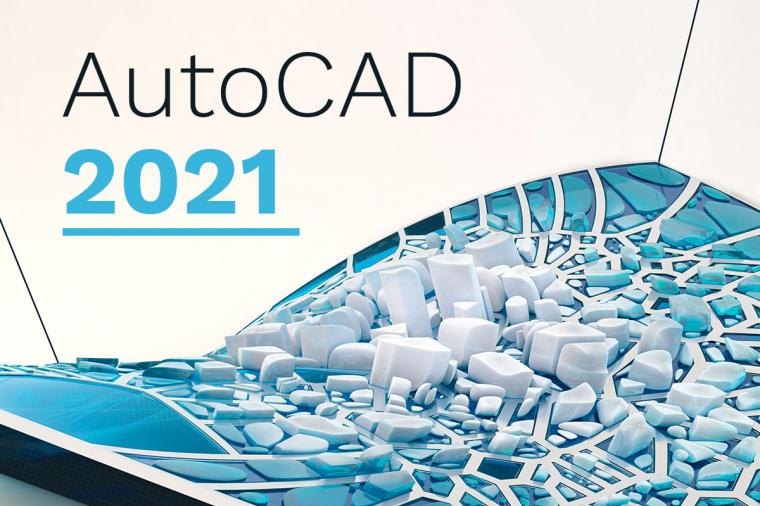
AutoCAD 2021 is here!
On March 25, 2020, Autodesk announced the release of AutoCAD 2021 the latest iteration of its flagship software first released in 1982. A key update includes a new integration with Google Drive allowing users to access their designs wherever they are as well as performance enhancements.
Let’s break down what’s new.
Cybersecurity
The Cyberspace Solarium Commission recently released a groundbreaking report detailing 75 recommendations for improving the cybersecurity of the nation, including both the private and public sectors. The Commission, bipartisan in both name and spirit, conducted over 300 meetings with industry, academia, U.S. government, think tanks and foreign governments. I had the privilege of participating in this effort. The result is a comprehensive report that urges immediate and concrete action on its recommendations, organized into six pillars”:
Cybersecurity
Last week, my associate, Shane Rogers, shared an article on GovCybersecurityHub discussing the Cybersecurity Maturity Model Certification (CMMC) and its potential impact on small- and medium-sized government contractors.

Cybersecurity
I recently had the opportunity to visit an amazing new facility—the Cyber Range at Tech Data—and got to meet the truly exceptional people who make it happen. The facility has many purposes, stemming from the powerful sense of mission that drives the staff.

Cybersecurity
At RSA this year, Chris Krebs gave an important talk: “Cybersecurity Has a Posse” where he stressed the importance of collaboration between government and industry to fight the cybersecurity war. He started by pointing out that his agency, Cybersecurity and Infrastructure Security Agency (CISA) is an “all-source” group. He meant that CISA collects threat information from sources all over the world, including government agencies, private industry, and more. Krebs’ group consolidates that information and disseminates it – daily – to security professionals across all industries.

Cybersecurity
With the designation of the COVID-19 disease as a global pandemic hotly followed by a declaration of a national emergency by President Trump, the American way of life shifted dramatically – with the home office becoming a new reality for millions.
Unfortunately, the rise in the global remote workforce puts more pressure on IT teams, network architectures, and even equipment. But there are also very real cybersecurity challenges to consider.