IT Infrastructure
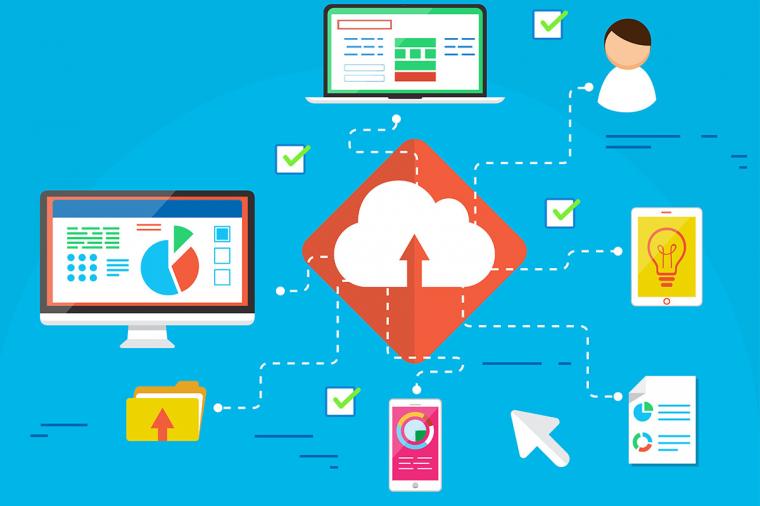
Software-as-a-service (SaaS) adoption is growing in government. Today, a majority of agencies use SaaS applications such as Microsoft Office 365 and Google Cloud G Suite for at least 30% of their mission-critical resources. Yet confusion still reigns around about the data protection in the cloud.
Cloud Computing, DevSecOps, IT Infrastructure
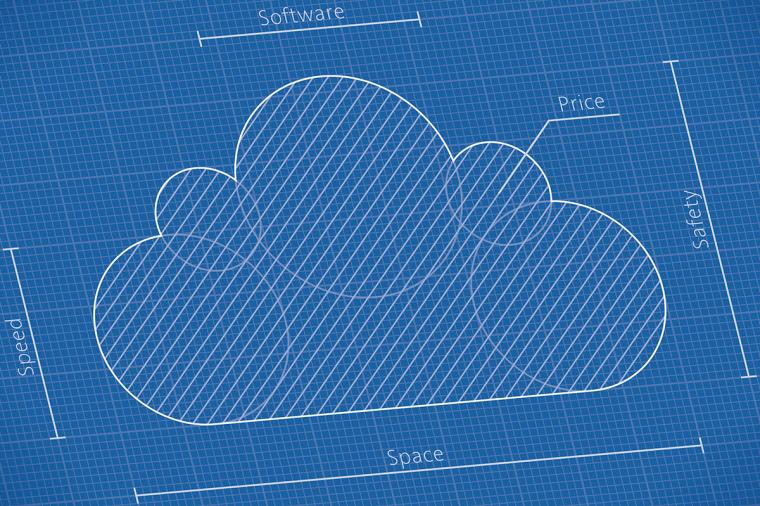
Cloud governance shouldn’t be an afterthought. Indeed, it should be a foundational element of any cloud security strategy. Why? Because the cloud is enormous – it’s software, hardware, developer tools and platforms, and more. All delivered by a host of vendors.
Cybersecurity, IT Infrastructure
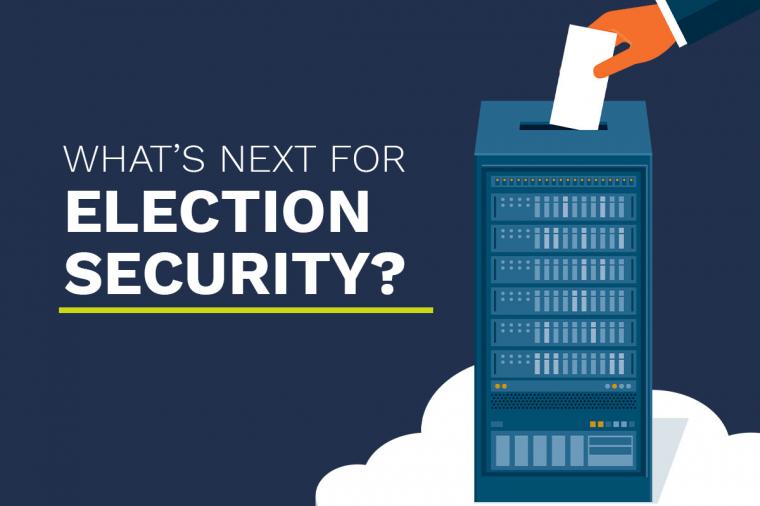
Election security is a big topic, but it resembles a many-legged centipede. Federal contractors face the reality that elections are the purview of state, county and municipal officials. The technical and managerial abilities of these entities vary from what you might expect in a tiny hamlet to what you might encounter in a million-person suburban county.

Cybersecurity
DHS recently published version 3.0 of the Trusted Internet Connection (TIC) architecture. A response to changing IT conditions, Executive Orders, and OMB mandates, the new architecture seeks to support IT modernization through cloud adoption while keeping security as a top priority. The comprehensive set of documents includes an overview, a catalog of security capabilities, a reference architecture, guidance for pilot programs, advice for service providers, and a very helpful set of use cases relevant to agency needs.

Cybersecurity
The Threat
Risk is a function of likelihood times impact. When it comes to zero-day exploits, particularly those that use return-oriented programming (ROP) or one of its many cousins the likelihood is high, and the impact is higher. How do these attacks work, and what is the industry doing to stop them? More importantly, what can you do to stop them? Is it possible to stop a zero-day without patching or updating systems? Let’s explore these questions.
How ROP Works
Digital Design
Digital design data is a big data business. It requires secure management and storage, versions need to be stringently controlled, and teams need to access files readily so they can share that data with stakeholders.
For too long, however, designers, engineers, and CAD managers have relied on traditional document management systems, like network drives, to achieve this. While they do a great job with office documents, those same solutions don’t work well with today’s design files and models, for several reasons: